How to View Your Pitch Statistics on Pitch Perfect Songs
Follow this step-by-step guide to track opens, plays, and downloads for your pitches!
Step-by-Step Instructions
After creating a pitch, you can track how recipients interact with it. Try sending your pitch to a friend or colleague to see how Pitch Perfect Songs tracks your pitch stats!
-
Send the Pitch to a Friend or Colleague
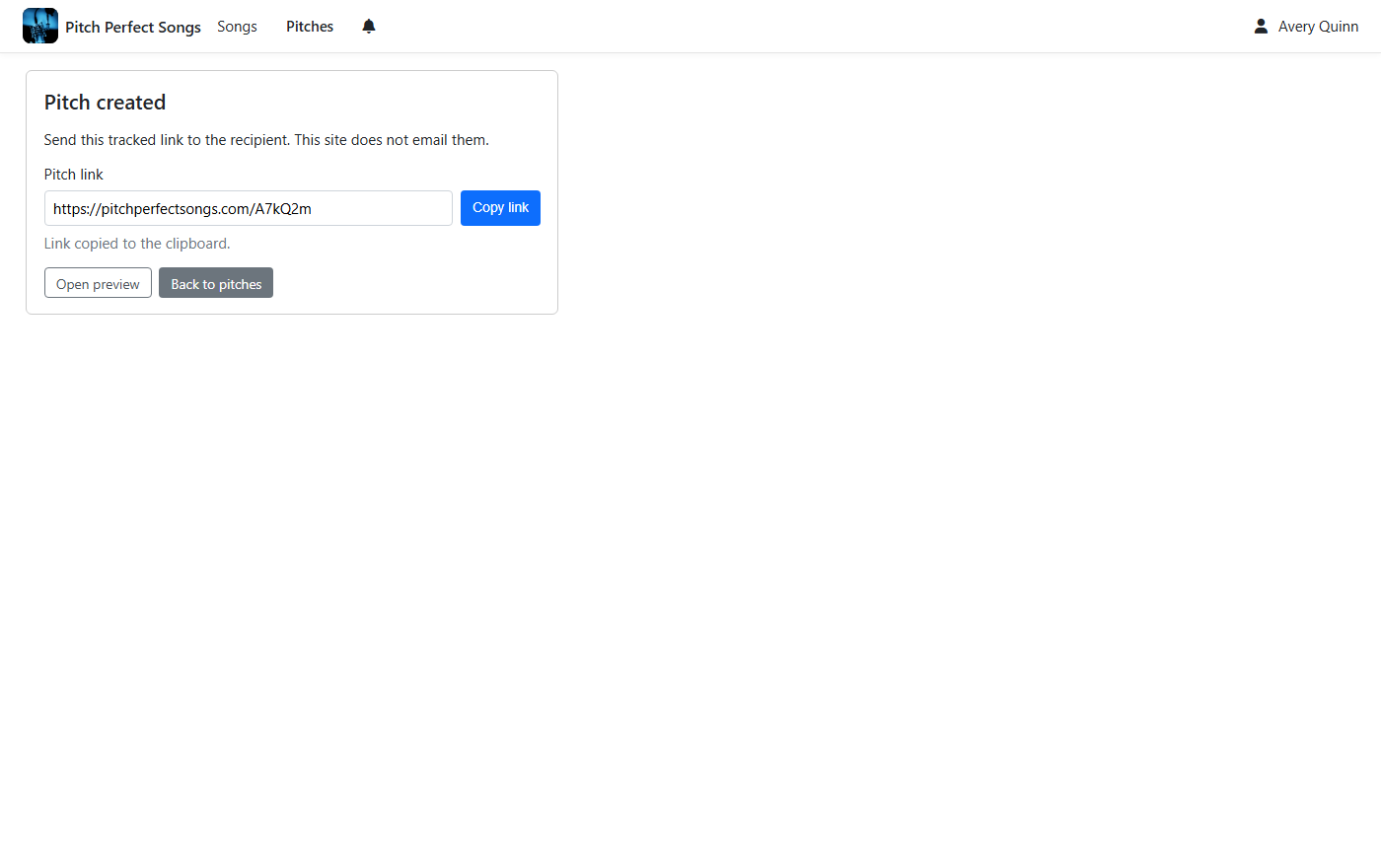
With the pitch link copied to your clipboard (from the previous step), paste it into an email or message and send it to a friend or colleague. Ask them to open the link, play the song, and download it if permitted. This will help you see how Pitch Perfect Songs tracks their interactions.
-
View Your Pitch Stats
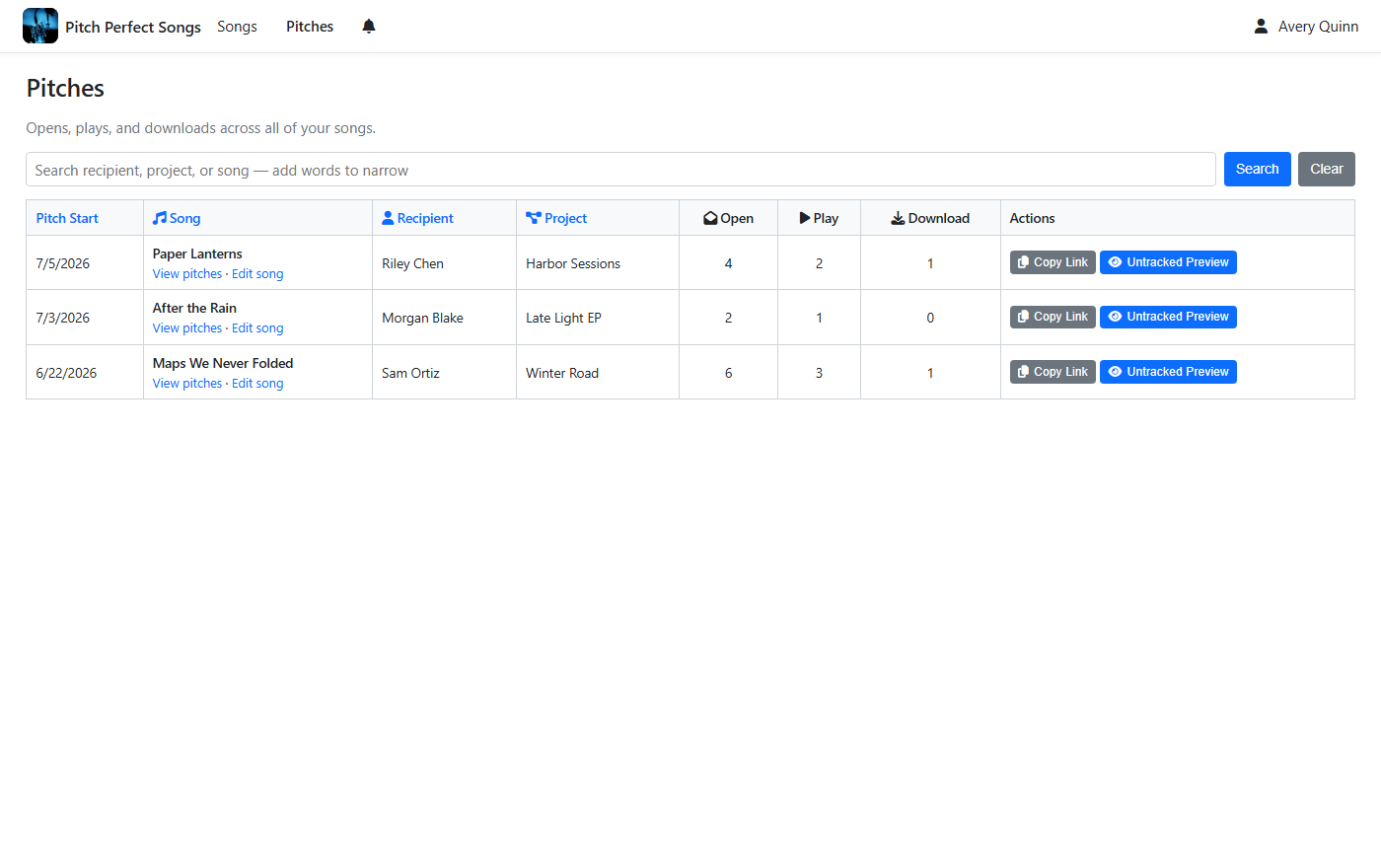
On the pitches page for your song, find the pitch you just created. Check the stats, including the number of opens, plays, complete plays, and downloads, to see how your friend interacted with the pitch.
Ready to check your pitch stats? Start by selecting a song from your library.
Go to Your Songs